
Tips and Tricks August 2, 2026

Summer Storms and Blank Screens: How to Rescue Your "Smart" Appliances After a Power Surge

By Mount Prospect Appliance Repair Team

Summer Storms and Blank Screens: How to Rescue Your "Smart" Appliances After a Power Surge

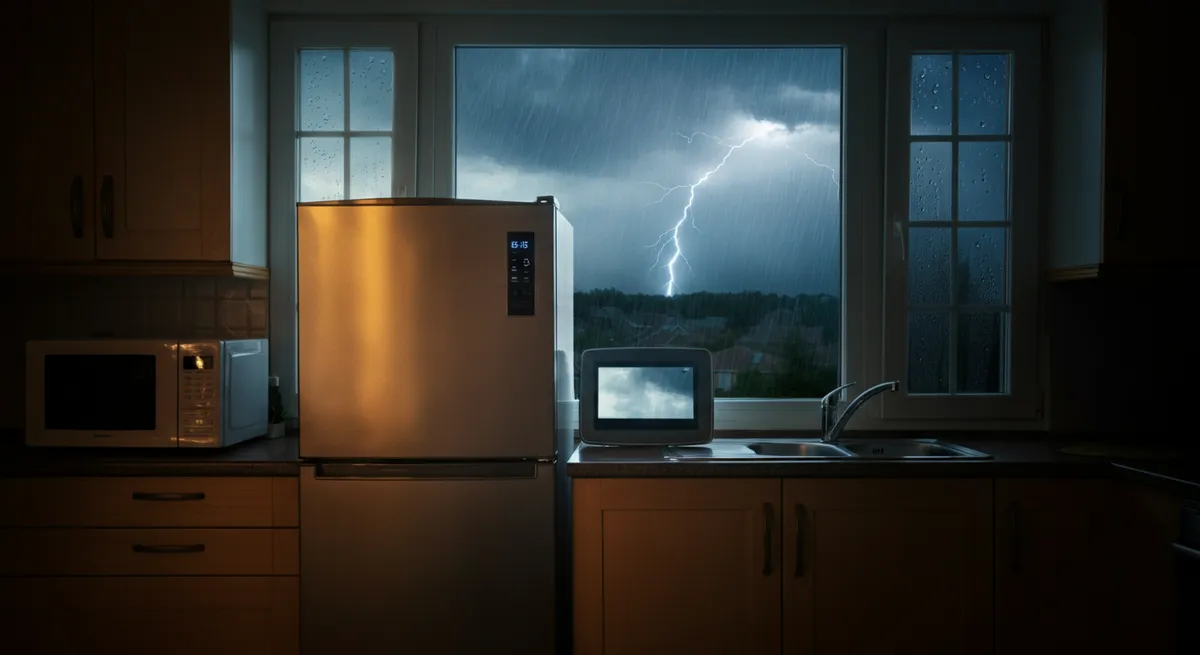
There’s nothing quite like the relief of getting home after a summer storm — until you walk into the kitchen and find your refrigerator display completely dark, your washer stuck mid-cycle, or your dishwasher flashing a cryptic error code it’s never shown before. If this sounds familiar, you’re not alone. Summer storms in the Mount Prospect area can bring powerful lightning strikes and sudden power fluctuations that leave even brand-new appliances acting like they’ve forgotten everything they know. It’s frustrating, it’s stressful, and it can feel like an expensive disaster waiting to happen. Take a breath — there’s a good chance your appliances aren’t ruined. Let’s walk through what happened and what you can do about it.

What Is a Power Surge?

A power surge is a sudden, brief spike in electrical voltage that travels through your home’s wiring. Think of your home’s electrical system like a water pipe — it’s designed to carry a steady, consistent flow. A power surge is like a sudden burst of high-pressure water that slams through the pipe all at once. Most surges last only a fraction of a second, but that’s more than enough time to cause damage.

Surges can be caused by lightning strikes near power lines, the utility company restoring power after an outage, or even large appliances like air conditioners cycling on and off. And here’s the thing: older appliances — the kind with simple mechanical dials and basic motors — are relatively tough. They don’t have much to fry.

Modern “smart” appliances are a different story. Your refrigerator with the touchscreen display, your Wi-Fi-connected washer, your dishwasher with the sleek electronic control panel — these all contain sensitive circuit boards and microcontrollers, essentially small computers, that regulate every function. Those components are highly susceptible to voltage spikes. A surge that a 1990s washing machine would shrug off can scramble or permanently damage the control board of a 2022 smart appliance.

Which Appliances Are Most at Risk?

Not all appliances are equally vulnerable. Here’s a quick rundown of the ones that tend to suffer most after a power surge:

  • Refrigerators with ice makers and water dispensers — These rely on electronic control boards to manage temperature, defrost cycles, ice production, and water dispensing. A surge can knock out the display, disable the ice maker, or cause erratic temperature behavior.
  • Smart washers and dryers — Modern washers and dryers use sophisticated electronic controls to manage cycle timing, water levels, spin speeds, and Wi-Fi connectivity. A surge can cause them to freeze mid-cycle, display error codes, or lose their programmed settings entirely.
  • Dishwashers with electronic controls — Touch-panel dishwashers are particularly sensitive. A surge can cause the control panel to go dark, prevent the door latch from registering, or trigger error codes that lock the machine.

Your Step-by-Step Rescue Checklist

Before you assume the worst, work through these steps. Many surge-related issues are recoverable with a little patience.

  1. Unplug and wait (the hard reset). This is your first and most important step. Unplug the appliance from the wall — or flip its dedicated circuit breaker — and leave it completely unpowered for at least 5 minutes. This allows the internal capacitors to fully discharge and gives the control board a chance to reset. Plug it back in and see if normal operation resumes.
  2. Check and reset the circuit breaker. Head to your electrical panel and look for any tripped breakers. A tripped breaker will be in the middle position, between “on” and “off.” Flip it fully to “off” first, then back to “on.” This is separate from unplugging the appliance and is an important step on its own.
  3. Look for error codes on the display panel. If your appliance is showing an error code, write it down and look it up in your owner’s manual or on the manufacturer’s website. Error codes are your appliance’s way of telling you exactly what’s wrong — they can save you a lot of guesswork.
  4. Check if the Wi-Fi module or control board has lost its settings. Smart appliances sometimes lose their network connection or revert to factory defaults after a power event. Try reconnecting the appliance to your Wi-Fi through its app or settings menu. This alone can restore full functionality.
  5. Consult the manufacturer’s reset procedure. Many appliances have a specific reset sequence — often a combination of button presses held for a few seconds. Check your manual or the manufacturer’s support website for your exact model. A proper factory reset can clear corrupted settings caused by the surge.
  6. Know when to call a professional. If the display remains completely dark after a hard reset, if the appliance powers on but behaves erratically no matter what you try, or if you smell burning or notice scorch marks near the control panel — stop. These are signs the control board may be damaged and needs professional diagnosis. Continuing to run a compromised appliance can cause further damage or create a safety hazard.

How to Protect Your Appliances Before the Next Storm

Once you’ve dealt with the immediate crisis, it’s worth thinking about prevention. Illinois summers aren’t getting any calmer, and a little investment now can save you a lot of money later.

  • Whole-home surge protector — Installed at your electrical panel by a licensed electrician, this is the gold standard of surge protection. It guards every outlet and appliance in your home simultaneously.
  • Dedicated outlet surge protectors — For major appliances like your washer, dryer, and dishwasher, plug-in surge protectors rated for large appliances add an important layer of defense. Look for ones with a high joule rating (1,000+ joules).
  • UPS (Uninterruptible Power Supply) for your refrigerator — A UPS device not only protects against surges but also provides battery backup during brief outages, preventing the temperature swings that can spoil food and stress the compressor.
  • Keep appliance firmware updated — Many smart appliances receive software updates that improve stability and surge recovery. Check your appliance’s app or settings menu periodically to make sure you’re running the latest firmware.

Still Not Working? We Can Help.

If you’ve worked through the checklist above and your appliance still isn’t behaving the way it should, don’t give up — and don’t assume you need to replace it. Control board repairs and replacements are often far more affordable than buying a new appliance, and that’s exactly the kind of work we do every day.

At Mount Prospect Appliance Repair, we’ve helped homeowners throughout Mount Prospect and the surrounding communities get their appliances back up and running after storms, surges, and all kinds of unexpected breakdowns. We’re local, we’re experienced, and we’ll give you an honest assessment of what it will take to fix your appliance — no pressure, no runaround.

Give us a call or reach out through our website to schedule a service visit. We’re here to help you get back to normal as quickly as possible.