
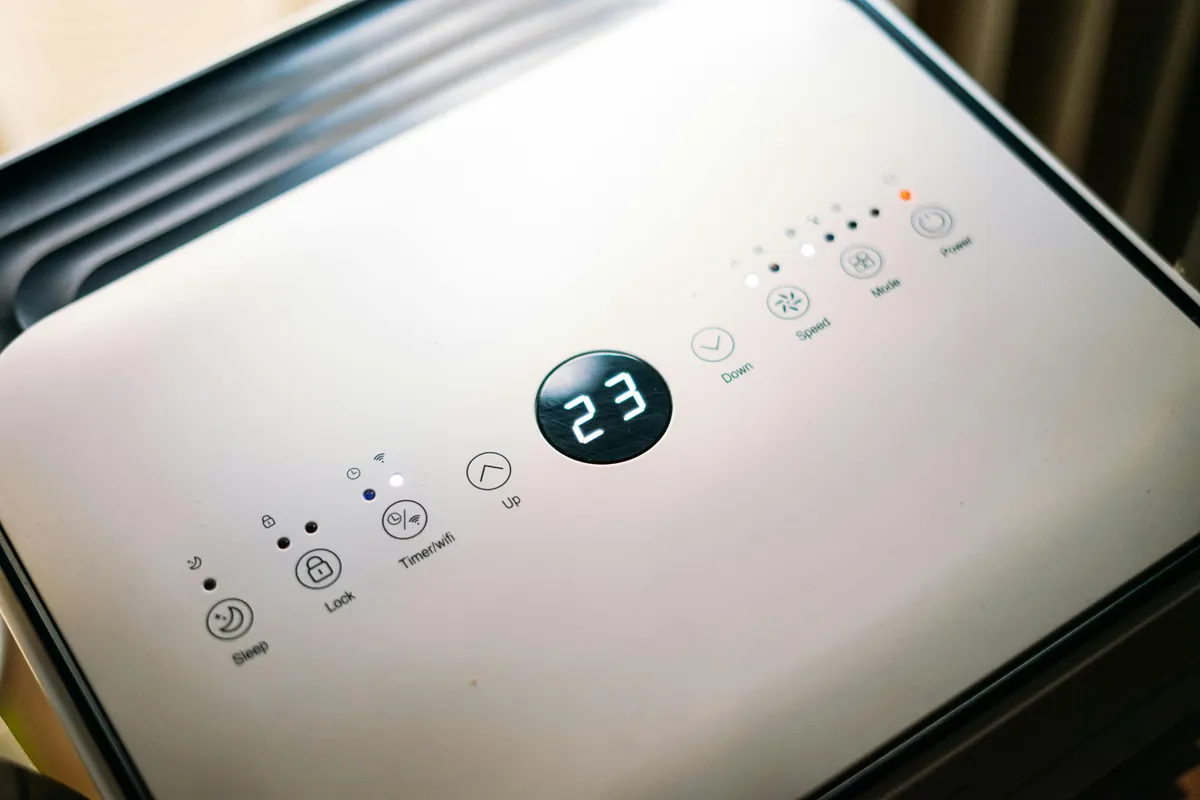
An empty dehumidifier bucket doesn’t always mean the machine is broken. The room may already be drier than the selected humidity setting, or a drain hose may be carrying the collected water away.
Check the controls and bucket
Compare the displayed room humidity with the target setting. Check for a full bucket warning and make sure the bucket is seated properly. If the appliance uses a drain hose, follow the model’s instructions for its routing and drainage requirements.
The room temperature also needs to fall within the operating range in the manual. Record any error code before changing settings. GE’s guide to a dehumidifier that isn’t collecting water starts with the humidity setting and points owners to their model’s warranty information if troubleshooting doesn’t resolve the problem.
Clean the parts intended for owner care
Switch off and unplug the appliance before cleaning. Clean the removable air filter and bucket as the manual describes, and let a washable filter dry before reinstalling it. Keep the air inlet and outlet clear of nearby furniture.
GE’s cleaning instructions explain bucket and filter care. Filter access and cleaning methods vary, so use the instructions for your model.
Check the manufacturer’s service options
If the room remains above the selected humidity but the unit still collects no water, contact the manufacturer with the model, serial number, purchase date and symptoms. Ask whether the model has repair support, replacement coverage or a recall before paying for service or ordering parts. Repair availability differs between portable units and installed systems.