
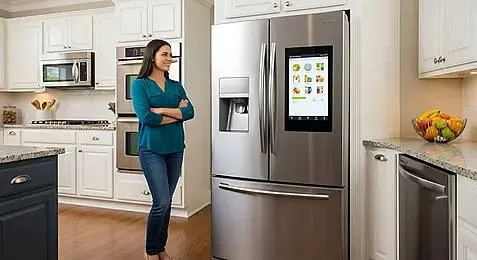
If a Samsung refrigerator feels warm, measure the temperature in both compartments and record any message on the display. Whether the freezer is also warming helps narrow the next checks.
Check food temperature first
The FDA recommends a refrigerator temperature of 40°F or below and a freezer temperature of 0°F. An appliance thermometer measures the compartment temperature. The control display may show the selected setting instead.
Move perishable food to another refrigerator or an iced cooler that holds it at 40°F or below if cooling has failed. Use the FDA’s time and temperature guidance to decide what to keep. Smell alone doesn’t establish whether food is safe.
Check the doors, vents and settings
Move packages away from interior vents and make sure shelves or drawers aren’t preventing the doors from closing. Clean visible dirt from the door seals using the method in the manual.
Check the selected temperatures and compare any unusual display message with the instructions for that model. Samsung models can have different control layouts, so use the model’s procedure for changing modes or settings. Samsung’s cooling guide covers settings, door seals and further troubleshooting.
Record what happens before requesting repair
Note whether both compartments are warm, whether frost is visible and whether a new noise changes when a door opens. Photograph an error code before attempting any reset recommended by Samsung.
Those observations help with diagnosis, but they don’t prove that a fan, compressor or control board needs replacement. For refrigerator repair in Mount Prospect, provide the model number, measured temperatures and when the cooling change started.